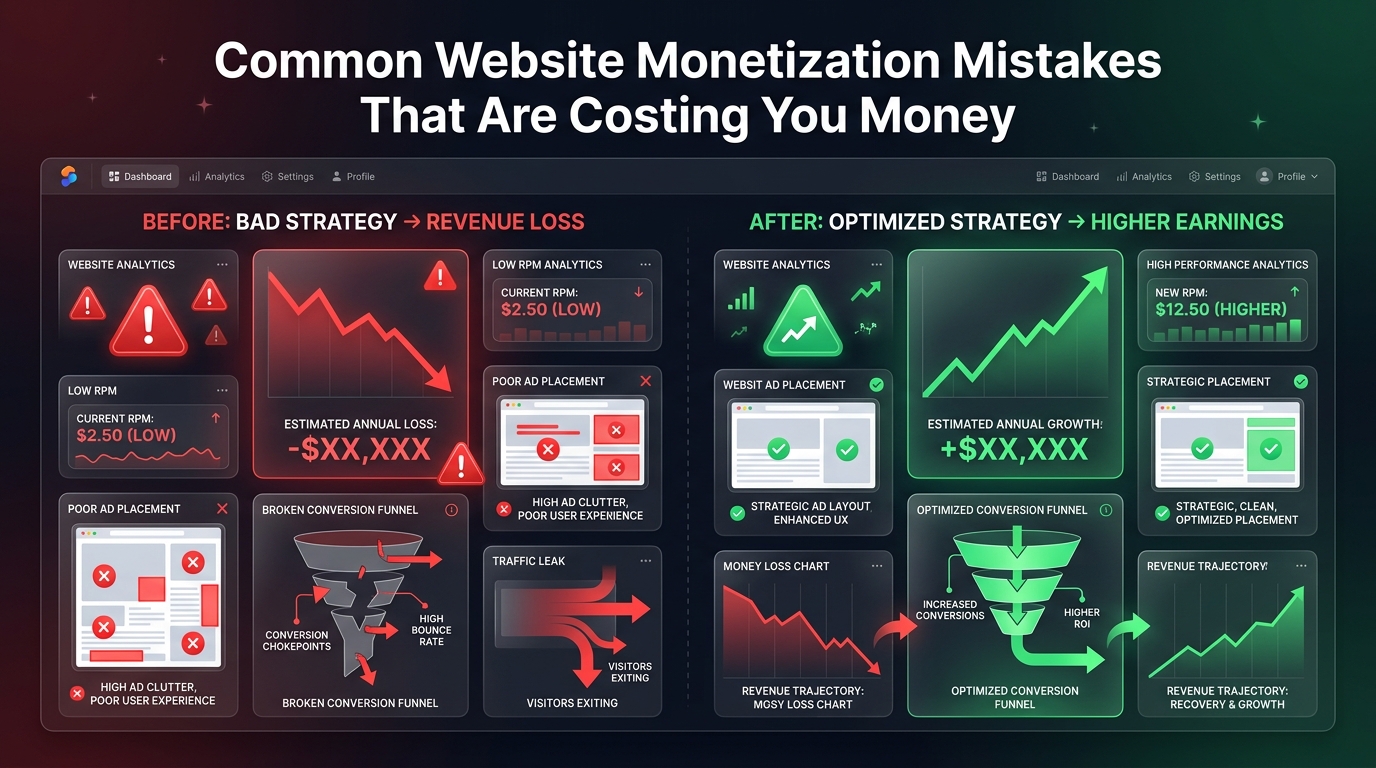
Many publishers work tirelessly to increase their website traffic, only to funnel those hard-earned visitors into a poorly optimized monetization setup. Generating 100,000 visitors does not guarantee a high income if your ad placements are invisible, your layout is broken on mobile, or you are relying on the wrong ad network for your niche.
By identifying and fixing these common structural errors, many website owners see an immediate 20% to 50% increase in their AdSense RPM overnight. This guide outlines the most expensive monetization mistakes you are likely making and exactly how to fix them.
🔧 Recommended ChafikTech Tool
Not sure if your site is suffering from these mistakes? Run your URL through our AdSense Audit Tool. It checks your ad-to-content ratio, mobile layout responsiveness, and structural placement to identify immediate revenue opportunities.
The 5 Most Expensive Monetization Mistakes
Mistake 1: Desktop-Only Ad Optimization
Most bloggers design their websites and place their ads while looking at a desktop monitor. But in 2026, 60% to 80% of blog traffic comes from mobile devices. That beautiful sidebar ad you spent hours configuring? Mobile users never see it because sidebars are pushed to the very bottom of the page on phones.
Design your ad strategy mobile-first. Use "in-content" ad units that break up your paragraphs. Ensure you have a high-performing sticky anchor ad at the bottom of the mobile screen (one of the highest-earning ad formats available).
Mistake 2: Relying Solely on "Auto Ads"
Google's Auto Ads feature is incredibly convenient—you paste one line of code, and Google decides where to put ads. However, the AI often makes poor choices. It might place ads inside navigation menus, break up important tables, or stuff too many ads at the top of the page, causing layout shifts (CLS) that hurt your SEO.
Use a hybrid approach. Keep Auto Ads enabled for Anchor and Vignette (interstitial) ads, but turn off "In-page" auto ads. Instead, manually place responsive AdSense units exactly where you want them in your content using a plugin (like Ad Inserter) to maintain control over the user experience.
Mistake 3: The "Wall of Text" Layout
If you write 500-word paragraphs without any line breaks, images, or subheadings, users will scan the page quickly and leave. Fast scrolling means in-content ads never have time to render or be viewed (low viewability). Furthermore, ad inserter plugins struggle to inject ads into massive, unbroken blocks of text.
Keep paragraphs short (2 to 4 sentences). Use H2 and H3 tags frequently. Use bullet points. This stretches the physical length of the article, creating more natural breakpoints for in-content ads to appear without overwhelming the reader.
Mistake 4: Fear of "Above the Fold" Ads
Many publishers hide all their ads at the bottom of the article because they fear annoying their users. But heatmaps show that 80% of users never scroll to the bottom of an article. If your ads are only at the bottom, 80% of your visitors are generating zero ad impressions.
Place one high-performing ad unit immediately below your first or second paragraph. This guarantees a near 100% viewability rate for every visitor. Balance it by ensuring the ad is clearly labeled and does not push the actual content off the screen on mobile devices.
Mistake 5: Ignoring Ad Viewability Scores
Advertisers bid higher on websites where they know their ads are actually seen. This metric is called "Active View Viewable" in your AdSense dashboard. If an ad loads but the user scrolls past it before it is on screen for 1 second, it does not count. If your site's overall viewability drops below 50%, premium advertisers will stop bidding on your site, tanking your RPM.
Implement "lazy loading" for your ads. The ad code will only trigger and request an ad when the user scrolls near that specific section of the page. This dramatically increases your viewability percentage because unviewed ads are never requested in the first place.
Mistake #5: Keyword Cannibalization
Many publishers accidentally write multiple articles targeting the exact same search intent. This confuses Google, splits your SEO authority, and prevents either article from ranking highly. You must perform a regular SEO audit to identify and merge overlapping content.
Frequently Asked Questions
Conclusion
Optimizing your monetization setup is the highest-ROI task you can perform. Creating new content takes hours; fixing a broken ad layout takes 10 minutes and can permanently increase your revenue yield on every future visitor. Audit your site on a mobile phone today, fix the mistakes listed above, and use our AdSense Audit Tool to uncover any remaining technical errors suppressing your income.