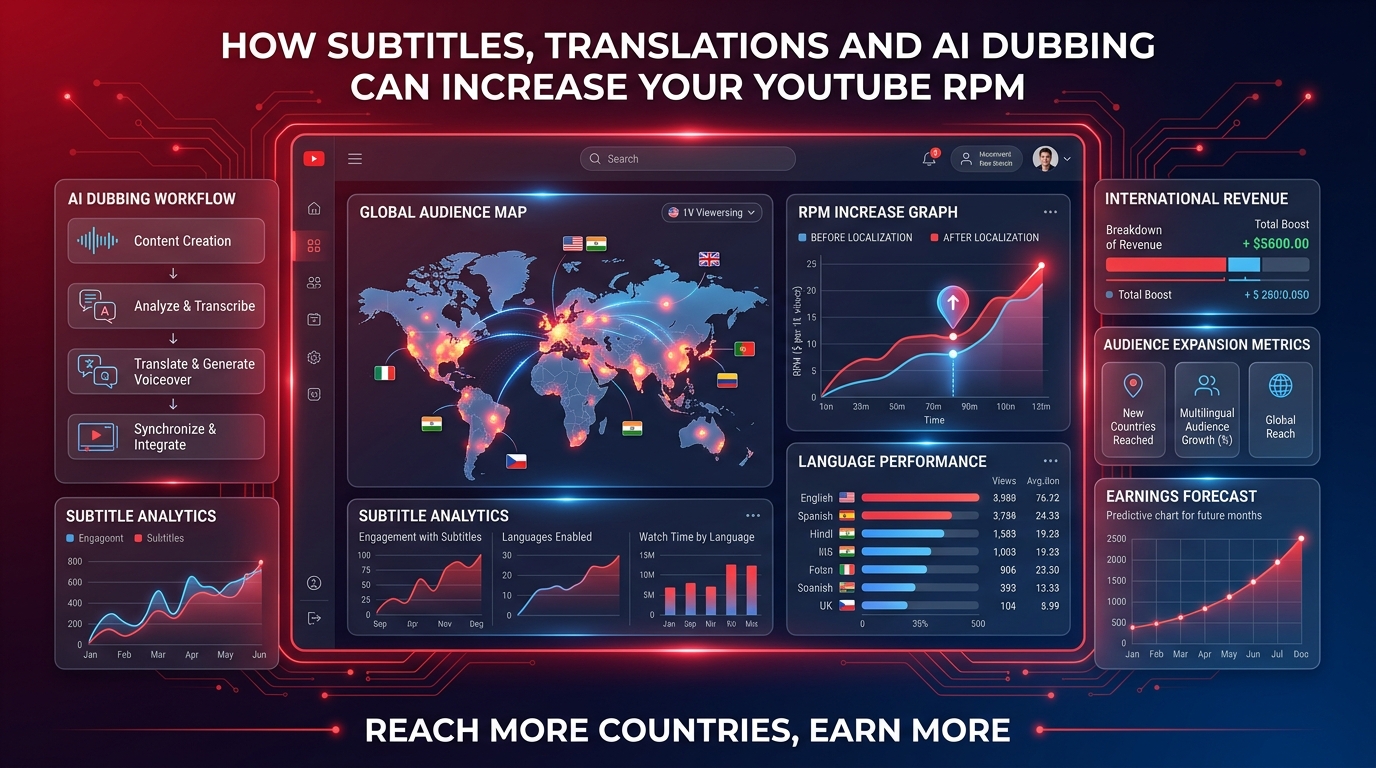
Most creators treat their language as a fixed constraint. An Arabic creator assumes they will always serve an Arabic audience. A Portuguese creator targets Brazil. And while building a loyal audience in your native language is powerful, it also sets an invisible ceiling on your RPM — because the most lucrative advertising markets in the world run primarily in English.
But here is what few creators realize: you do not have to switch languages to access English-language ad rates. Through strategic use of subtitles, YouTube's built-in translation tools, and increasingly accessible AI dubbing technology, you can systematically shift a portion of your audience toward higher-paying geographic markets without abandoning your existing community.
🔧 Recommended ChafikTech Tool
Model the geographic RPM impact: Use our calculator with the RPM data from your RPM Data page to project what your revenue would look like if 30% of your audience shifted from a Tier 3 country average RPM to a Tier 1 average RPM. The resulting revenue jump illustrates exactly why language strategy is worth the investment.
Why Language Controls Your RPM
Google's ad targeting system assigns ads to viewers based on a combination of factors: their location, their browsing history, and — critically — the language of the content they are watching. When you publish a video in Arabic, YouTube primarily distributes it to Arabic-speaking viewers in the MENA region. The advertising market in those countries has significantly fewer competing advertisers than the US or UK, resulting in lower CPMs and therefore lower RPMs for you.
By contrast, when you publish content that is also indexed for English search terms (through English subtitles or titles), the YouTube discovery algorithm surfaces your content to English-speaking audiences in high-RPM markets — even if the spoken audio is in another language.
Three Levels of Language Strategy
Level 1: Adding English Subtitles (Lowest Effort, Real Impact)
YouTube allows creators to add subtitles directly in YouTube Studio. When you add accurate English subtitles to your non-English videos, three things happen:
- YouTube indexes the subtitle text for English search queries, making your video discoverable to English-speaking viewers
- English-speaking viewers who find your video can follow along, increasing watch time and subscriber conversion
- The increased US/UK viewership boosts the average RPM of that video over time
You can generate subtitles automatically using YouTube's built-in auto-captions (then edit for accuracy), use a service like Rev.com for professional transcription, or use AI tools like Whisper to transcribe and translate your audio locally.
Level 2: English Titles, Descriptions, and Tags (Medium Effort, Strong Discovery)
Even without subtitles, publishing your videos with English titles and descriptions while the audio remains in your native language dramatically expands your discovery reach. YouTube's search algorithm heavily weights title and description keywords. An Arabic cooking video titled "How to Make Lebanese Hummus — أفضل وصفة حمص" appears in both English and Arabic search results, capturing two audience segments simultaneously.
Level 3: AI Voice Dubbing (Highest Effort, Maximum Revenue Impact)
AI dubbing technology has matured dramatically in 2025–2026. Tools like ElevenLabs, HeyGen, and Papercup can create remarkably natural AI voice dubs of your videos in English and other languages at a fraction of the cost of human dubbing. YouTube itself has partnered with select creators for an experimental dubbing program.
When you upload an English-dubbed version of your video as a separate upload (with "English Dubbed" in the title), you effectively create a second version of your content targeting the English market entirely. Many non-English creators have doubled their channel revenue by maintaining parallel channels — one in their native language and one in English — using AI dubbing to produce the English version efficiently.
Before vs After: Geographic Revenue Shift Example
| Scenario | Audience Split | Blended RPM | Monthly Revenue (500K views) |
|---|---|---|---|
| Before localization | 90% MENA / 10% Other | ~$1.20 | ~$600 |
| After English subtitles | 70% MENA / 30% US+UK | ~$3.50 | ~$1,750 |
| With AI dubbing (English channel) | 50% MENA / 50% US+UK | ~$6.00 | ~$3,000 |
The same content, the same production value, the same creator — but a dramatically different revenue outcome based purely on which audiences are discovering the content.
YouTube's Official Multi-Language Audio Feature
YouTube launched a native "Multi-language audio" feature that allows creators to upload multiple audio tracks for the same video. When a viewer's device language is set to English and they encounter your video with an English audio track available, YouTube automatically switches to the English audio — no viewer action required.
This feature is available to all Partner Program creators. To use it, upload your video normally, then in YouTube Studio → Editor → Audio → Add audio track, upload your translated/dubbed audio file. YouTube handles the rest automatically.
Frequently Asked Questions
Conclusion
Language is not a fixed constraint on your YouTube revenue — it is a strategic variable. Adding English subtitles, translated titles, and eventually AI-dubbed audio tracks to your videos is one of the highest-ROI investments a non-English creator can make. The same content that earns $1.20 RPM from a MENA audience can earn $8–$15 RPM when English-speaking audiences in the US and UK discover and watch it.
Start today by adding English subtitles to your top 5 videos. Use our YouTube Earnings Calculator to project the revenue impact of shifting 30% of your audience to Tier 1 countries.