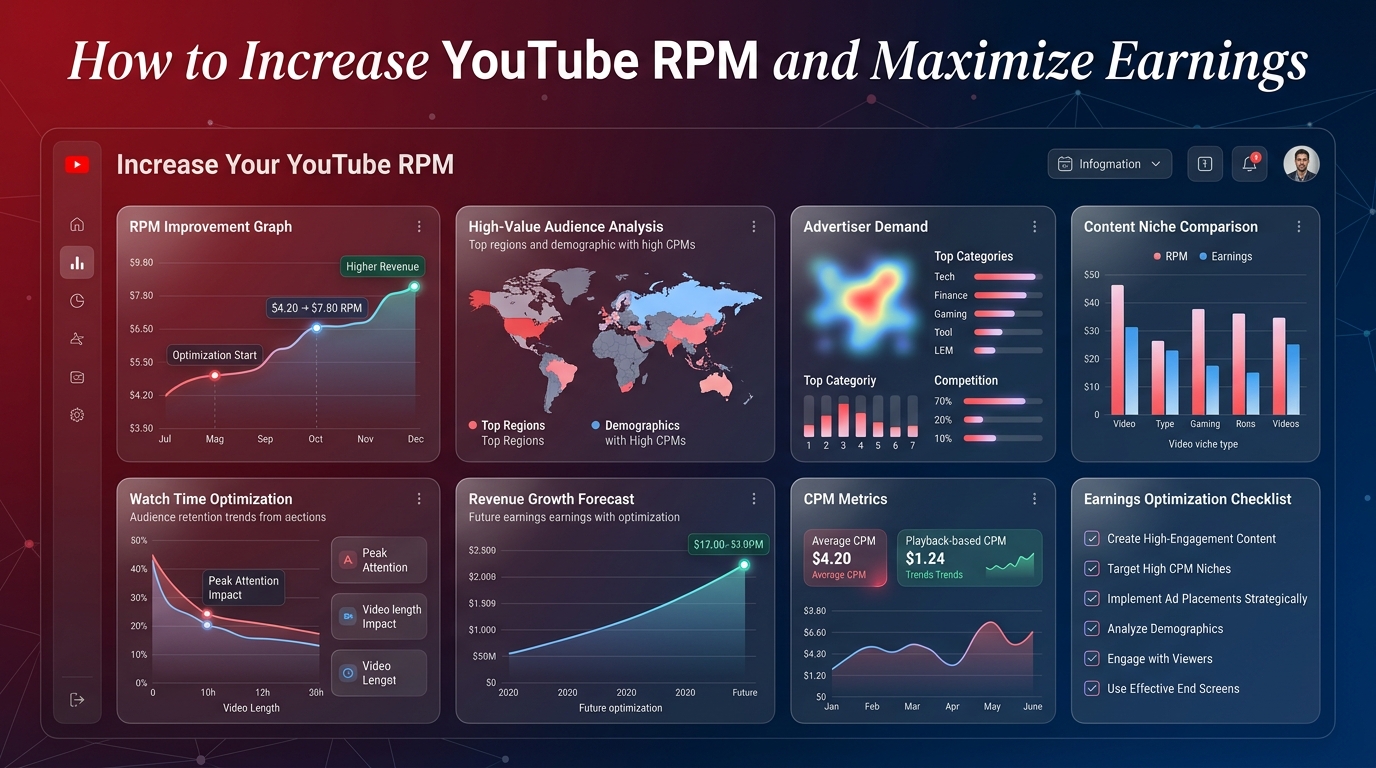
If you have ever opened your YouTube Studio analytics and stared at the revenue tab, you have likely encountered two very confusing acronyms: CPM and RPM. While both are critical to understanding your channel's financial health, many creators fundamentally misunderstand what these metrics represent.
Revenue Per Mille (RPM) is arguably the single most important financial metric for any creator in the YouTube Partner Program. It is the definitive answer to the ultimate question: "How much money am I actually making from my viewers?"
In this comprehensive guide, we will break down exactly what RPM is, how it differs from CPM, why your numbers fluctuate, and most importantly, the actionable strategies you can implement today to increase your RPM and significantly boost your channel's income.
What Exactly is YouTube RPM?
RPM stands for **Revenue Per Mille** ("Mille" being the Latin word for one thousand). It represents the total amount of money you earn for every 1,000 views on your channel.
Unlike other metrics that only look at ad revenue, RPM is a holistic figure. It calculates your *total* revenue—including ads, YouTube Premium revenue, Channel Memberships, Super Chats, and Super Stickers—and divides it by your *total* views, including views that were not monetized.
Because it factors in all of your revenue streams and all of your views (even the ones that didn't show an ad), RPM is the most accurate reflection of what your audience's attention is currently worth to your business.
RPM vs. CPM: Understanding the Difference
The most common mistake creators make is confusing RPM with CPM. While they sound similar, they measure entirely different sides of the transaction.
CPM (Cost Per Mille)
CPM is an advertiser-focused metric. It represents the amount of money an advertiser pays to YouTube for 1,000 ad impressions on your video. It only counts monetized playbacks (views where an ad was actually shown). Furthermore, CPM is the *gross* revenue before YouTube takes its 45% cut.
RPM (Revenue Per Mille)
RPM is a creator-focused metric. It represents the *net* money that ends up in your pocket per 1,000 views. It accounts for YouTube's revenue share and includes all views (even if an ad blocker was used or the viewer skipped the ad immediately).
| Feature | CPM (Cost Per Mille) | RPM (Revenue Per Mille) |
|---|---|---|
| Who it matters to | Advertisers | Creators |
| What it measures | Cost to display 1,000 ads | Your earnings per 1,000 views |
| Includes YouTube's Cut? | No (Gross amount) | Yes (Net amount after the 45% cut) |
| Includes Non-Monetized Views? | No (Only ad impressions) | Yes (Total views) |
| Includes Super Chats/Memberships? | No | Yes |
Because RPM includes non-monetized views and factors in YouTube's revenue split, your RPM will always be lower than your CPM.
How is RPM Calculated?
The formula YouTube uses to calculate your RPM is completely transparent. It is simply your total revenue divided by your total views, multiplied by 1,000.
RPM = (Total Revenue / Total Views) × 1,000
If your channel generated $500 in total revenue and accumulated 100,000 views in the last month, your RPM would be $5.00.
Project Your Earnings
If you know your channel's average RPM, you can easily project your future income. Use our interactive YouTube Earnings Calculator to input your daily or monthly views and see exactly how slight increases in your RPM can drastically change your annual salary.
Why Is My RPM So Low? (Common Causes)
If you are frustrated by a low RPM, it is usually tied to one of the following structural issues with your channel or audience.
1. Your Audience Geography
Advertisers bid higher to reach consumers in regions with high purchasing power. If a large portion of your audience is located in countries with emerging economies, advertisers will pay less to show them ads, dragging down your overall RPM. You can compare country-specific rates using our global RPM Data tracker.
2. Your Content Niche
A gaming channel will almost always have a lower RPM than a personal finance channel. Financial institutions sell high-ticket items (mortgages, credit cards) and can afford to pay massive premiums for ad placements. Gaming ads are usually for low-cost apps or hardware, meaning lower bids.
3. Short Video Length
Videos under eight minutes only allow for pre-roll and post-roll ads. Videos over eight minutes allow you to insert mid-roll ads. Fewer ads shown per view directly results in a lower RPM.
4. High Use of Ad Blockers
Because RPM calculates your revenue against *total* views, viewers using ad blockers will count toward your total views but contribute $0 to your total revenue, effectively diluting your RPM.
Actionable Strategies to Increase Your YouTube RPM
You are not entirely at the mercy of the algorithm. There are proven, actionable steps you can take to push your RPM higher and squeeze more revenue out of your existing audience.
Optimize Mid-Roll Ad Placements
If your video is longer than eight minutes, do not rely on YouTube's automated mid-roll placements. The AI often places ads in the middle of a sentence, causing the viewer to click away. Instead, manually place mid-roll ads during natural transitions, cliffhangers, or pauses. This increases the likelihood that the viewer will watch the ad and continue the video.
Target High-Value Keywords
Advertisers use keywords to target their campaigns. If your video title and tags include highly competitive keywords, you will attract premium advertisers. For example, instead of titling a video "My New Setup," use "Best Productivity Desk Setup for Remote Work 2026." The latter attracts high-paying software and B2B advertisers.
Diversify Your Revenue Streams
Remember that RPM includes alternative monetization. If you encourage your audience to join your Channel Memberships or donate via Super Thanks, that revenue is factored into your RPM calculation. Pushing these features can artificially inflate your RPM even if ad rates drop.
Focus on Older Demographics
Advertisers pay the most to reach the 25–45 age demographic because they possess the most disposable income. If you can slightly mature the tone of your content, upgrade your production value, and cover topics that appeal to young professionals rather than teenagers, your RPM will naturally rise over time.
Best Practices for Monitoring Your RPM
Do not panic if your RPM fluctuates daily. It is normal for ad rates to drop on weekends and spike during the week. Furthermore, ad budgets are cyclical. You will almost always see a massive spike in RPM during November and December (Q4) as advertisers exhaust their holiday budgets, followed by a severe drop in January.
Instead of obsessing over daily numbers, look at your RPM on a 28-day or 90-day rolling average. Use our comprehensive YouTube Guide to contextualize how your metrics stack up against industry standards.
Frequently Asked Questions
What is a good RPM on YouTube?
A "good" RPM is entirely subjective based on your niche. For a broad entertainment channel, $2.00 to $4.00 is excellent. For a business or finance channel, a good RPM is anywhere from $15.00 to $30.00.
Does swearing lower my RPM?
Yes. Excessive profanity, especially in the first 30 seconds of a video, can trigger the system to classify your video as "limited ads" (the dreaded yellow dollar sign). This prevents premium advertisers from bidding on your content, crashing your RPM.
Do YouTube Shorts have an RPM?
Yes, but it is incredibly low. Because Shorts are consumed rapidly and ads are swiped past quickly, the RPM for Shorts is typically between $0.02 and $0.08.
Can I see the RPM for a specific video?
Yes. In YouTube Studio, you can click on an individual video's analytics, navigate to the Revenue tab, and see the exact RPM that specific video generated.
Why is my CPM high but my RPM low?
This usually happens if your videos are very short (meaning you can only show one ad) or if a massive portion of your audience is using ad blockers. Advertisers are paying a high CPM, but too few ads are actually being served per total views.
Do views from YouTube Premium subscribers increase RPM?
Yes. YouTube takes the subscription revenue from Premium users and distributes a portion of it to creators based on watch time. These views often pay more per view than standard ad-supported views, naturally lifting your RPM.
Should I make longer videos just to increase RPM?
Only if the content justifies the length. Stretching a 4-minute topic into a 9-minute video will destroy your audience retention. Poor retention signals to the algorithm that the video is bad, and it will stop recommending it. A high RPM is useless if you have zero views.
Does updating my metadata on old videos affect RPM?
It can. Updating the title, description, and tags on older evergreen videos to include more advertiser-friendly keywords can prompt higher-paying advertisers to bid on that back-catalog inventory.
Conclusion
Your YouTube RPM is the pulse of your channel's monetization health. By understanding that it is a holistic metric encompassing total views and total revenue, you can stop guessing about your income and start actively managing it.
While you cannot control macroeconomic advertising budgets or seasonal drops, you have absolute control over your content format, your metadata, your mid-roll ad placements, and how you cultivate your community. Focus on providing immense value, targeting high-quality demographics, and diversifying your income streams, and your RPM will reflect that effort over time.