Table of Contents
If you ask five different publishers what their "RPM" is, you will get five completely different answers. Not because they are lying, but because the digital publishing industry uses the acronym "RPM" to describe three entirely different metrics.
When a beginner looks at their Google AdSense dashboard, they see Page RPM. When a professional publisher talks about their Mediavine earnings, they are talking about Session RPM (RPMv). When an advertiser buys ad space on your site, they are bidding in eCPM.
If you don't understand the difference between these metrics, you cannot accurately calculate your website's value, nor can you optimize it. In this guide, we will break down exactly how these advertising metrics work, how they are calculated, and why shifting your focus from "Page" to "Session" is the secret to maximizing your revenue.
Recommended ChafikTech Tool
Why you need it: Our calculator allows you to model revenue based on your exact RPM data.
How it works: By inputting your traffic and benchmark RPM (whether Page or Session-based), the calculator projects your daily and monthly revenue instantly, helping you spot discrepancies between your expected and actual earnings.
The Three Metrics You Must Know
1. eCPM (Effective Cost Per Mille)
What it is: This is the advertiser's metric. It represents how much an advertiser is paying for 1,000 ad impressions (individual ad views). It is not what you, the publisher, get paid.
Why it matters: If you place 5 ads on a single page, and a user views that page, that is 5 ad impressions. The eCPM tells you how valuable those specific ad slots are to the advertiser, but it doesn't give you a clear picture of your total website revenue.
2. Page RPM (Revenue Per Mille Pages)
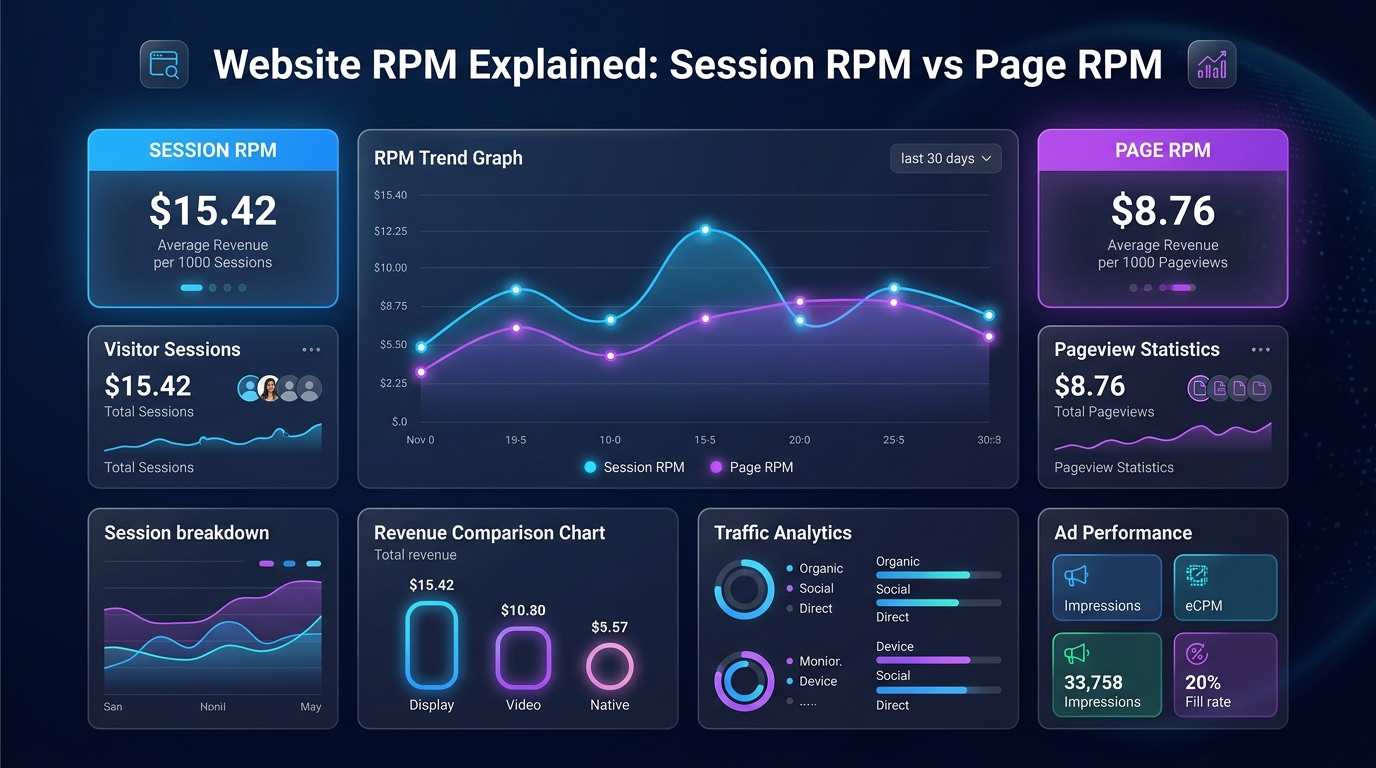
What it is: This is Google AdSense's default metric. It represents how much money you earn for every 1,000 pageviews on your website, regardless of how many ads were on the page.
Why it matters: Page RPM is a great baseline. If your Page RPM is $10, you know that generating 100,000 pageviews will yield $1,000. However, Page RPM ignores user engagement. A user who bounces immediately and a user who reads your article for 5 minutes are both counted as one pageview, even though the latter is vastly more valuable.
3. Session RPM (RPMv / Revenue Per Mille Visitors)
What it is: This is the gold standard metric used by premium ad networks like Mediavine and Raptive. It represents how much money you earn for every 1,000 Sessions (visits), regardless of how many pages the user clicked during that visit.
Why it matters: Session RPM measures the true value of your audience. If a user visits your site and clicks through 3 different articles, AdSense tracks that as 3 pageviews (diluting your Page RPM). Mediavine tracks that as 1 highly engaged session, resulting in a massive Session RPM.
Why Premium Networks Demand Session RPM
Premium ad management companies focus entirely on Session RPM (often written as RPMv) because it incentivizes the right behavior from publishers.
If you only care about Page RPM (the AdSense model), your goal is to force the user to load as many pages as possible. This leads to toxic website designs: aggressive pagination, clickbait "galleries," and short, thin articles that force the user to click "Next Page."
When you focus on Session RPM, your goal is to keep the user on your site for as long as possible. A single, comprehensive, 3,000-word article that keeps a user scrolling for 8 minutes is incredibly valuable. As the user scrolls, lazy-loaded ads refresh (creating more impressions). This single session might generate $0.15 of revenue by itself. Multiply that engagement, and your Session RPM skyrockets to $40 or $50+, rewarding you for creating genuinely helpful content.
How to Calculate Your Own Metrics
To accurately benchmark your site, you should calculate both. Log into your Google Analytics and your AdSense dashboard for the last 30 days:
- Total Revenue: $500
- Total Pageviews (Analytics): 50,000
- Total Sessions (Analytics): 38,000
Your Page RPM: ($500 / 50,000) × 1000 = $10.00
Your Session RPM: ($500 / 38,000) × 1000 = $13.15
Your Session RPM will almost always be higher than your Page RPM. If they are exactly the same number, it means your users are viewing exactly one page per session (a 100% bounce rate) and you have a severe internal linking problem.
Page RPM vs Session RPM Explained
| Metric | Formula | Reported In | Best Used For |
|---|---|---|---|
| Page RPM | (Earnings / Pageviews) x 1,000 | Google AdSense Dashboard | Comparing performance of individual articles |
| Session RPM | (Earnings / Sessions) x 1,000 | Google AdSense Dashboard | Measuring total revenue per unique visit |
| Impression RPM | (Earnings / Ad Impressions) x 1,000 | Google AdSense Dashboard | Evaluating ad unit density and viewability |
Common Mistakes
- Using Page RPM to Project Revenue from Traffic Reports: Google Analytics reports Unique Users and Sessions — not Pageviews. If you multiply your Page RPM by your GA4 User count, your revenue projection will be wildly inaccurate. Always use Session RPM with session counts.
- Comparing RPMs Across Different Niches: A $30 Session RPM on a finance site is mediocre. A $30 Session RPM on a gaming site is exceptional. Never benchmark your RPM in isolation from your niche average.
Best Practices
- Increase Pages Per Session to Close the Gap: The wider the gap between your Page RPM and Session RPM, the lower your pages-per-session is. Strong internal linking is the most effective lever to close this gap.
- Use Session RPM for Media Kit Reporting: When presenting your site's performance to a potential sponsor or ad network, Session RPM is the most meaningful single number — it represents the full revenue value of each human visit to your site.
🔢 Calculate Using Your Exact RPM
Now that you know which RPM metric to use, plug your correct figure into the Website AdSense Calculator to get an accurate monthly revenue projection.
Frequently Asked Questions
Conclusion
If you are serious about growing your digital publishing business, you must graduate from looking at Page RPM to optimizing for Session RPM.
Advertisers do not care how many URLs a user clicked; they care how much time and attention that user gave to their ads. By focusing on session duration, content depth, and user engagement, you naturally increase your Session RPM, making your site significantly more profitable without needing a single extra visitor.