Table of Contents
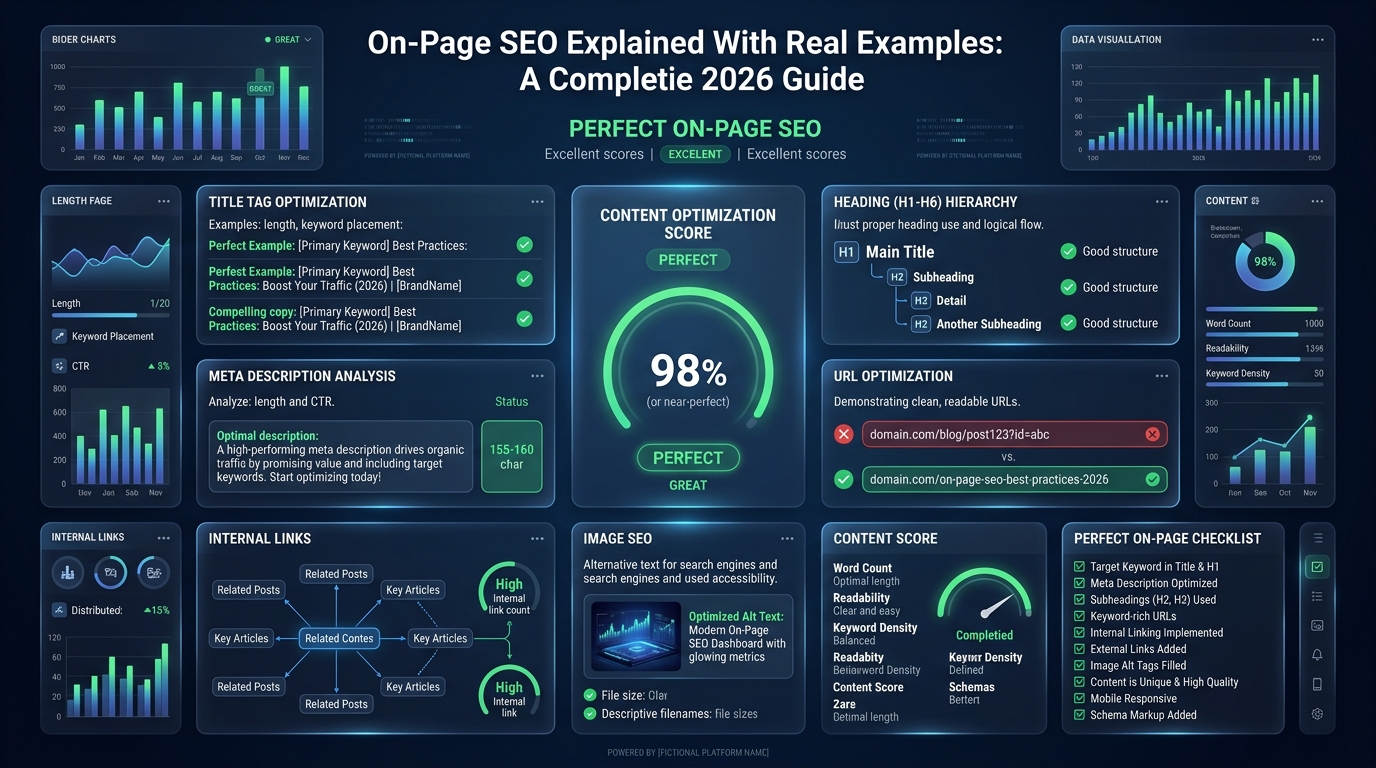
On-page SEO refers to all the optimizations you make directly within a webpage to help it rank higher in search engines. Unlike off-page SEO (which involves earning backlinks from other websites), on-page SEO is 100% within your control. Done correctly, it tells Google exactly what your page is about, why it deserves to rank for a specific query, and why users will be satisfied after visiting it.
This guide breaks down every key on-page element with real before/after examples so you can apply these improvements immediately.
🔧 Recommended ChafikTech Tool
On-page SEO improvements directly increase your click-through rate from Google, which increases your traffic. More traffic means more AdSense impressions. Use the AdSense Audit Tool to ensure your pages are also optimized for maximum ad revenue — not just maximum rankings.
Element 1: Title Tag
The title tag is the most important single on-page SEO element. It appears as the blue clickable headline in Google search results. Rules: include your primary keyword as close to the beginning as possible, stay under 60 characters, and make it compelling enough to earn a click.
The optimized version includes the primary keyword ("YouTube Earnings Calculator") at the front, signals actionable value ("How to Forecast"), and includes a timely qualifier ("2026 Revenue") that increases click-through rate.
Element 2: Meta Description
The meta description is the gray text below the title in search results. It does not directly influence rankings, but it significantly affects click-through rate. Think of it as the ad copy for your article.
Element 3: URL Slug
Your URL slug should be short, descriptive, and contain your primary keyword. Remove all stop words (the, a, in, for, of, etc.).
Element 4: H1 Tag and Heading Hierarchy
Every page should have exactly one H1 tag. It should include your primary keyword and can be slightly longer than your title tag. Use H2 tags for main sections, H3 for subsections within those sections. This creates a clear semantic hierarchy that Google's crawler uses to understand content structure.
| Heading Tag | Usage Rule | Contains Keyword? |
|---|---|---|
| H1 | Exactly one per page, primary topic statement | Must include primary keyword |
| H2 | Major section dividers | Should include secondary keywords |
| H3 | Subsections within H2 sections | Related terms and LSI keywords |
| H4–H6 | Rarely needed, granular detail only | Optional |
Element 5: Keyword Placement in Body Content
Include your primary keyword in the first 100 words of the article body. This confirms to Google what the page is about immediately. Then use the keyword and natural variations throughout the article at a density of roughly 1–2% (once per 100–150 words). Never repeat a keyword mechanically — write for human readability first.
Element 6: Image Optimization
Every image has three SEO touchpoints:
- File name: Name the file descriptively before uploading (e.g.,
youtube-earnings-calculator-dashboard.webpinstead ofimg004.jpg). - Alt text: Describe the image for accessibility and search crawlers. Include the keyword where it is natural and descriptive.
- File format and size: Convert images to WebP format (smaller file size = faster loading = better LCP score).
Element 7: Content-Length and Comprehensiveness
Google rewards content that fully satisfies the user's query. For informational articles, this typically means covering the topic more comprehensively than the current top 3 ranking competitors. Use tools like Clearscope or the free Google NLP API to find semantic terms you may have missed. Adding an FAQ section (like this one) targeting "People Also Ask" questions is one of the highest-value additions to any long-form article.
Good vs Bad On-Page SEO Examples
| SEO Element | Bad Example (Avoid) | Good Example (Optimized) |
|---|---|---|
| Title Tag | Home - My Website | Best Budget Laptops for Students in 2026 |
| URL Slug | /post-12345/ | /best-budget-laptops-students/ |
| H1 Heading | Welcome to my blog post about laptops | Top 10 Budget Laptops for College Students |
| Image Alt Text | IMG_9942.jpg | Dell XPS 13 laptop open on a student desk |
Common Mistakes
- Multiple H1 Tags: Your page should only have one H1 tag, which acts as the main title of the document. Using multiple H1s confuses search engines about the primary topic of the page.
- Keyword Stuffing: Forcing your primary keyword into every sentence makes the content unreadable. Google's NLP (Natural Language Processing) understands synonyms and context; write naturally.
Best Practices
- Front-Load Keywords: Place your most important target keyword as close to the beginning of your Title Tag and H1 as possible.
- Optimize for Featured Snippets: Structure your content with clear H2 and H3 tags, and use bulleted lists for "How-To" steps to increase your chances of capturing Position Zero.
📈 Track Your Traffic Value
Excellent on-page SEO drives organic traffic. Discover how much that traffic is worth in display ad revenue using the Website AdSense Calculator.
Frequently Asked Questions
Conclusion
On-page SEO is the most controllable factor in your ranking strategy. By consistently applying these optimizations — tight title tags, descriptive meta descriptions, clean heading hierarchies, natural keyword placement, and optimized images — every article you publish starts its journey in the best possible position. Use the AdSense Audit Tool to verify your on-page changes also improve your ad performance, not just your rankings.